Garbage Collection Jobs
Setting Up Your Garbage Collection Job
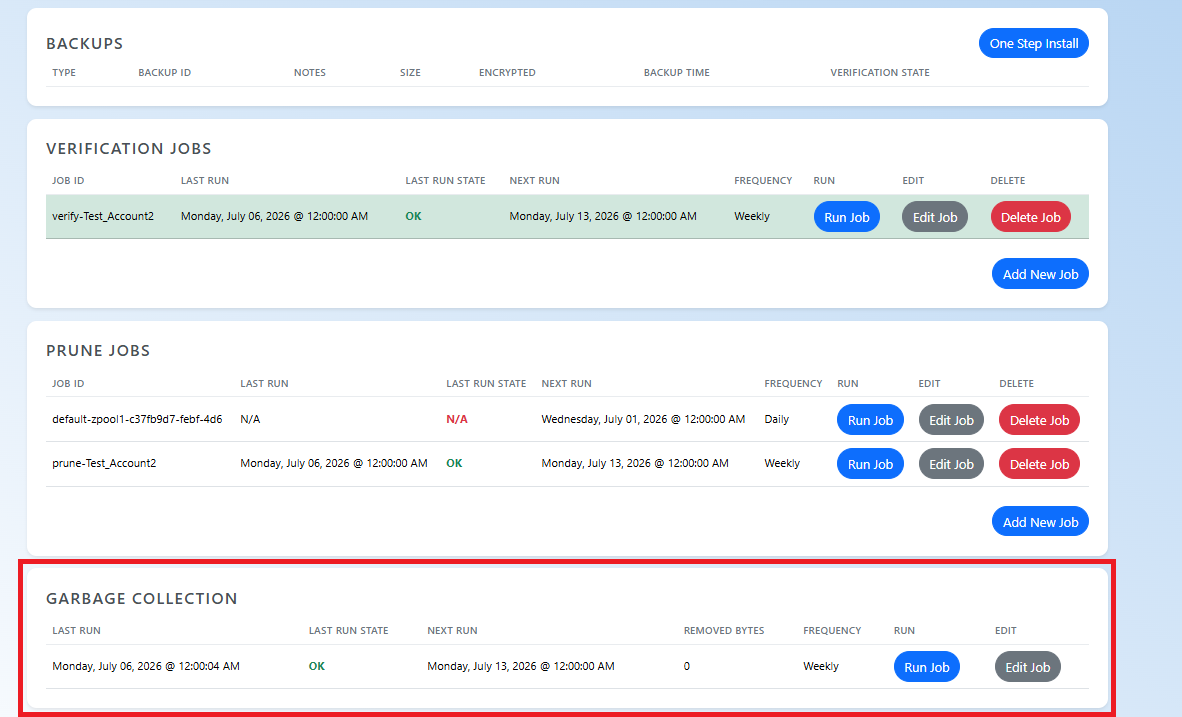
By default, a garbage collection job is already set for your server that runs daily. Any data that has been pruned gets removed when this job runs.
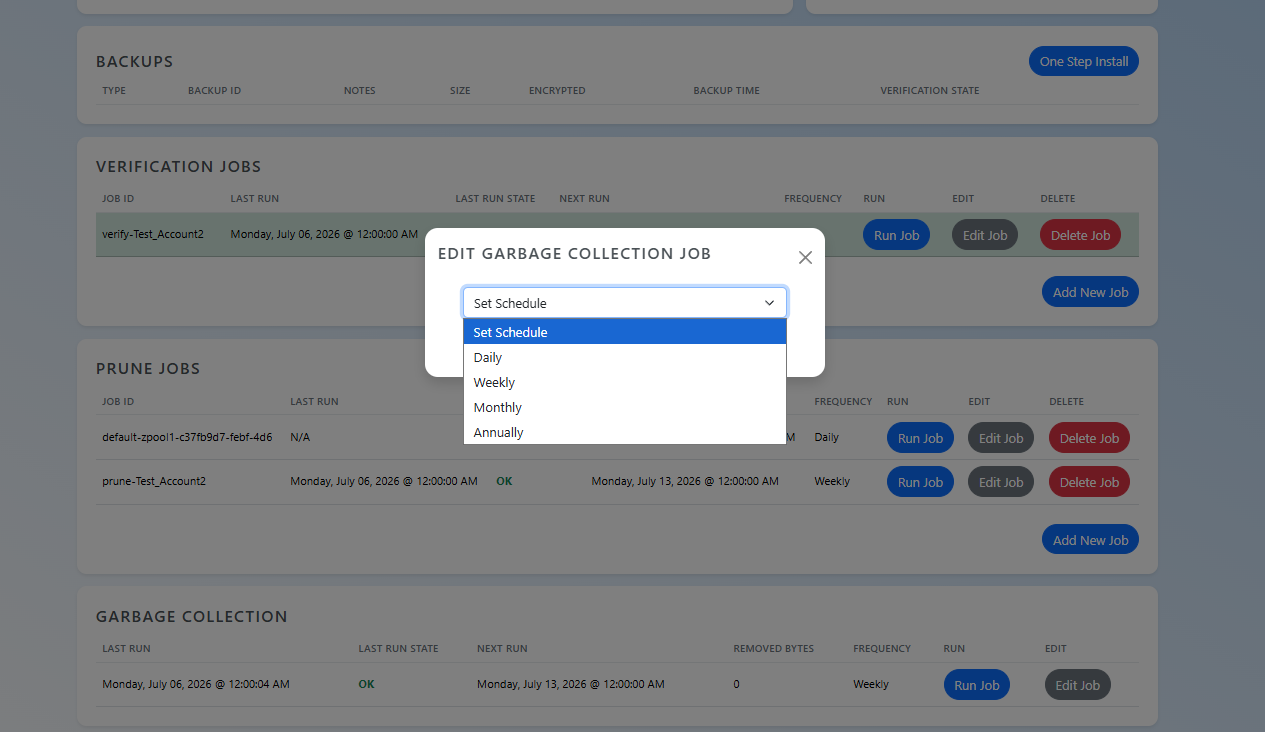
To edit the garbage collection job, login to the TAC.GLOBAL dashboard. On the homepage at the bottom, you should see your garbage collection job. Click Edit Job.
You can adjust the garbage collection job schedule from here.