How to Restore Your Backups
File Restore
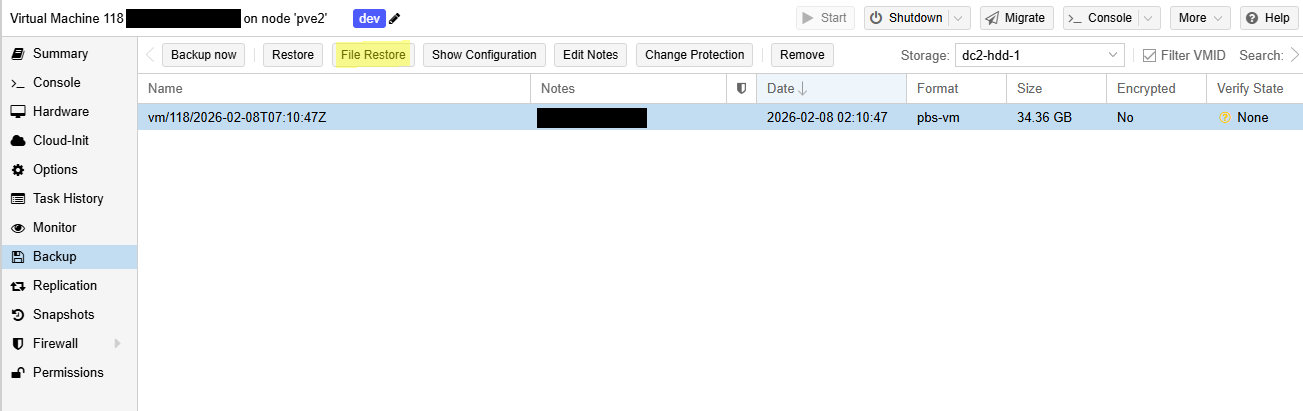
To restore a file, select the virtual machine or container you would like and select the Backup tab. Select File Restore.
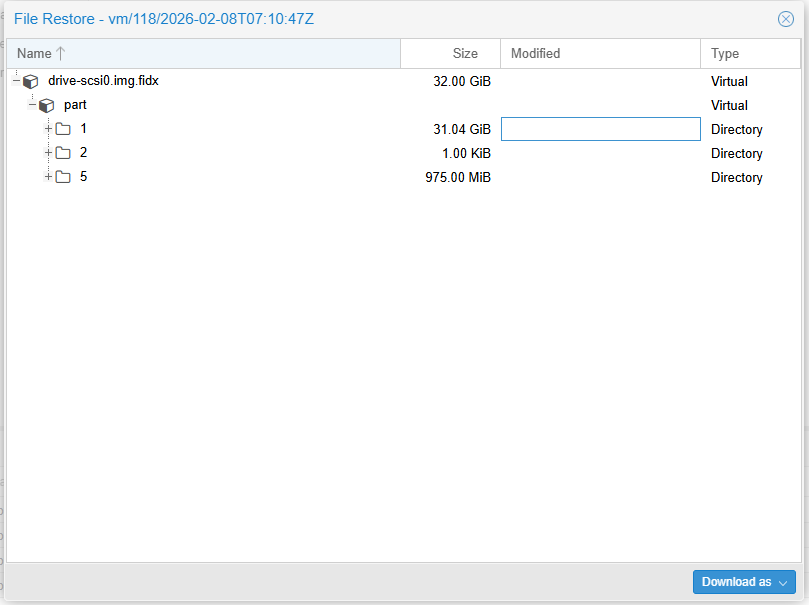
Under the backup archive, please select the file(s) you would like to restore. Select Download.
Full Disk Restore
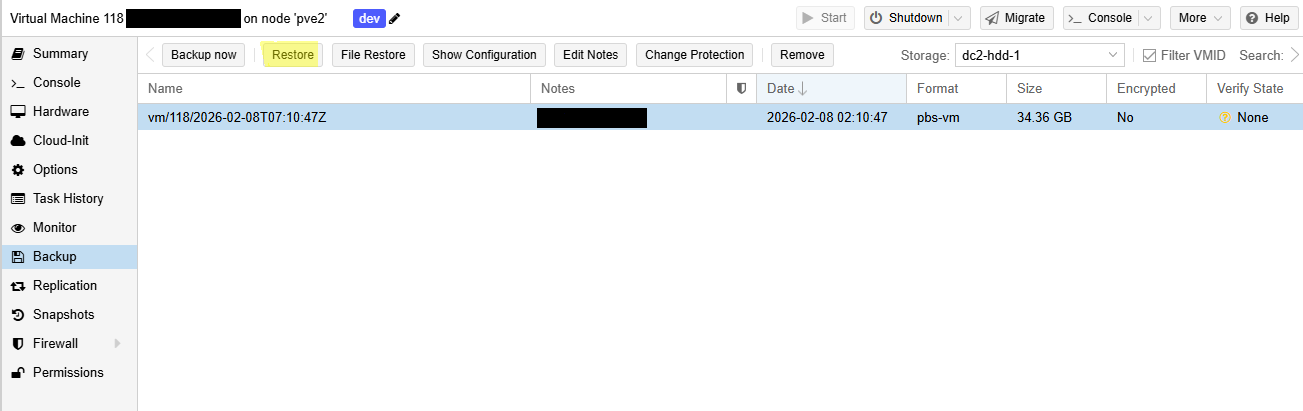
To restore an entire virtual machine or container, select Restore.
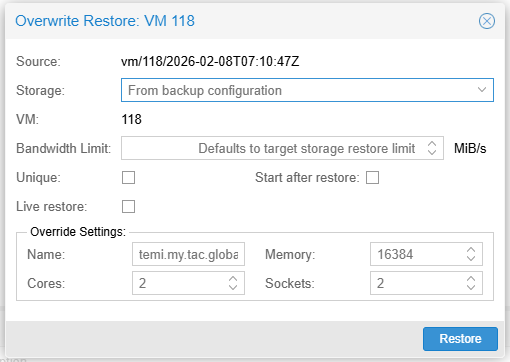
You will be prompted with the following. If there is a virtual machine or container with the same ID it will be overwritten once you select Restore.