
How to Remove Backups
To remove backups from Proxmox VE, navigate to the virtual machine or container you would like to remove. Once you are there, go to the backup tab. You should see the list of backups for your vm.
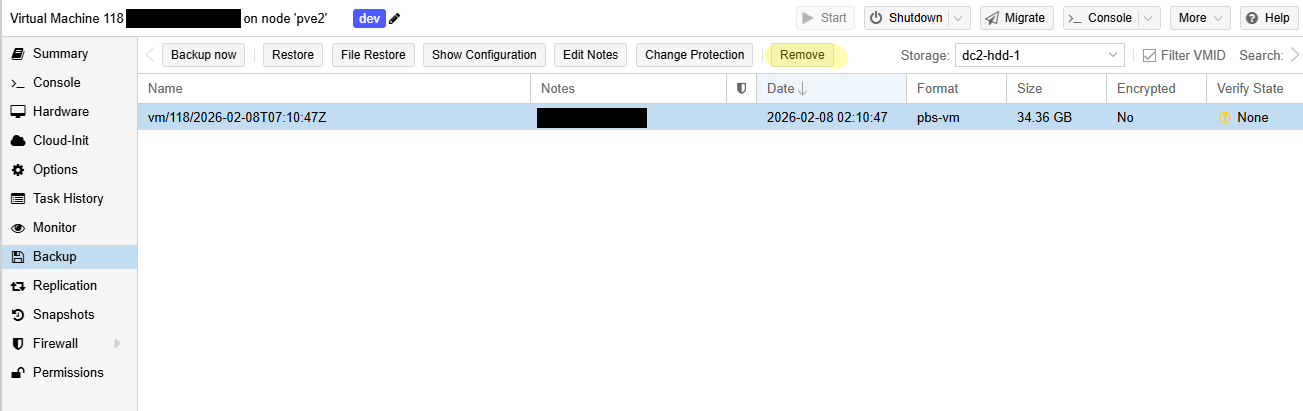
Select the backup you would like to remove and select the remove button.
Pruning allows you to specify which backup snapshots you want to keep and which ones you'd like to remove. To prune a single backup, within your Proxmox backup server account's datastore navigate to the snapshot you'd like to prune. Pruning keeps your backups in a recycle bin, to truly remove it you will have to run garbage collection.

You can schedule pruning jobs under the Prune & GC Jobs under your datastore.
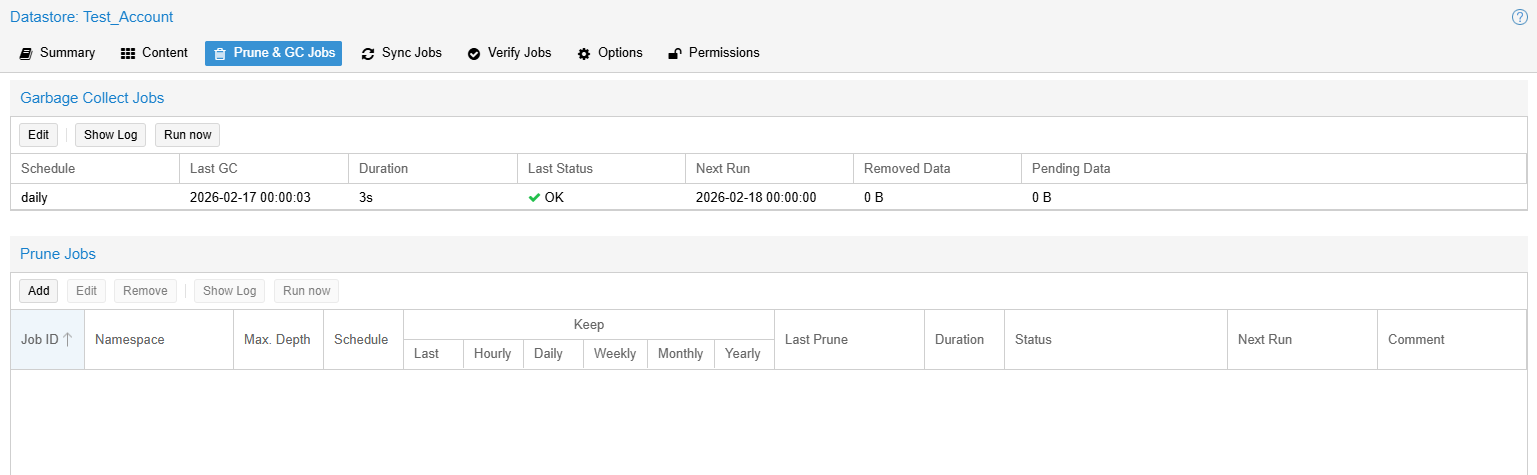
You can add a new prune job, for details on how to set up your prune job, please refer to Proxmox's Official Documentation
If you'd like to skip the pruning step, you can go ahead and permanently delete the snapshot as well.
