Accessing the Server
For Shared Users
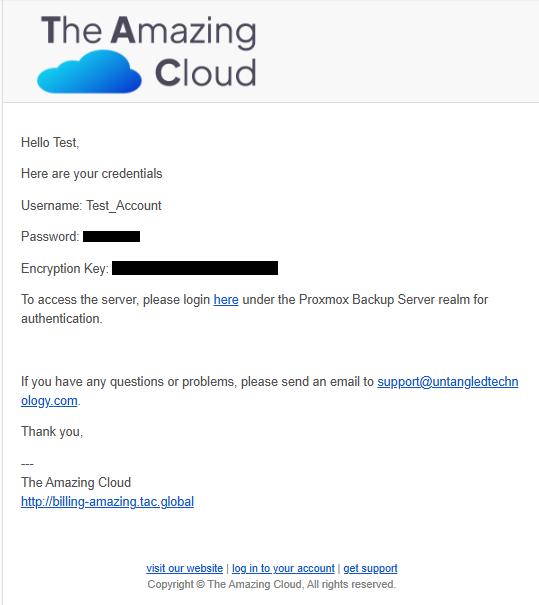
You should have received an email with your login credentials, your client encryption key and the server link. Please make sure to save the encryption key on your server.
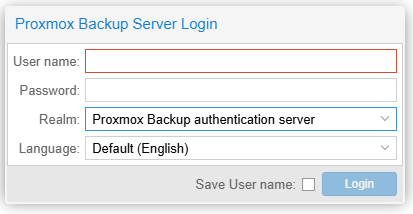
To access the server please login under the realm Proxmox Backup authentication server.
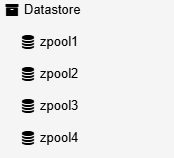
Once logged in you should see on the left sidebar an option named Datastore. This is where your backups live. Your datastore shold be available under the name FirstName_LastName_backup_storage.