Getting Started & Setup
Connecting your environment to PBS
- Accessing the Server
- Connect Proxmox Virtual Environment to Proxmox Backup Service
- Install Proxmox Backup Client (Debian-Based Linux Users)
Accessing the Server
You should have received an email with your login credentials, your client encryption key and the server link from support@untangledtechnology.com. Please make sure to save the encryption key on your server.
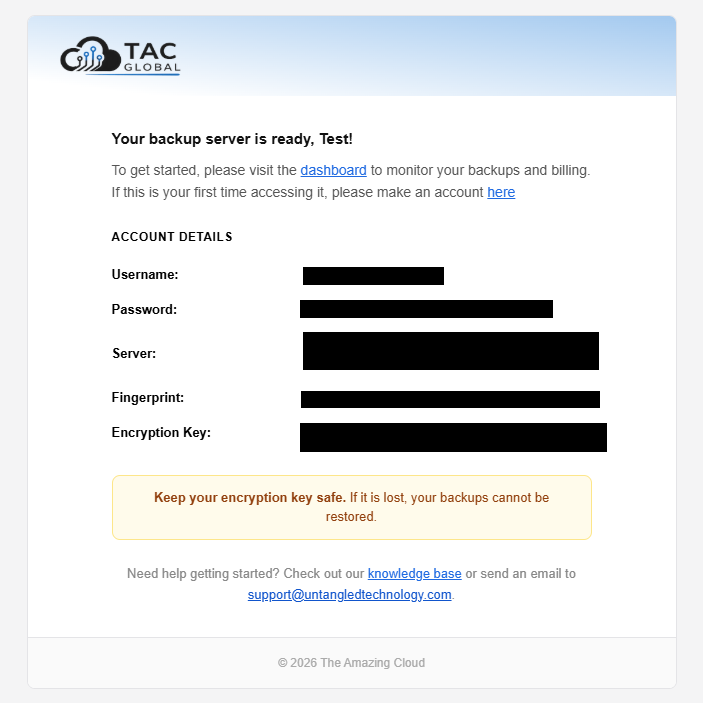
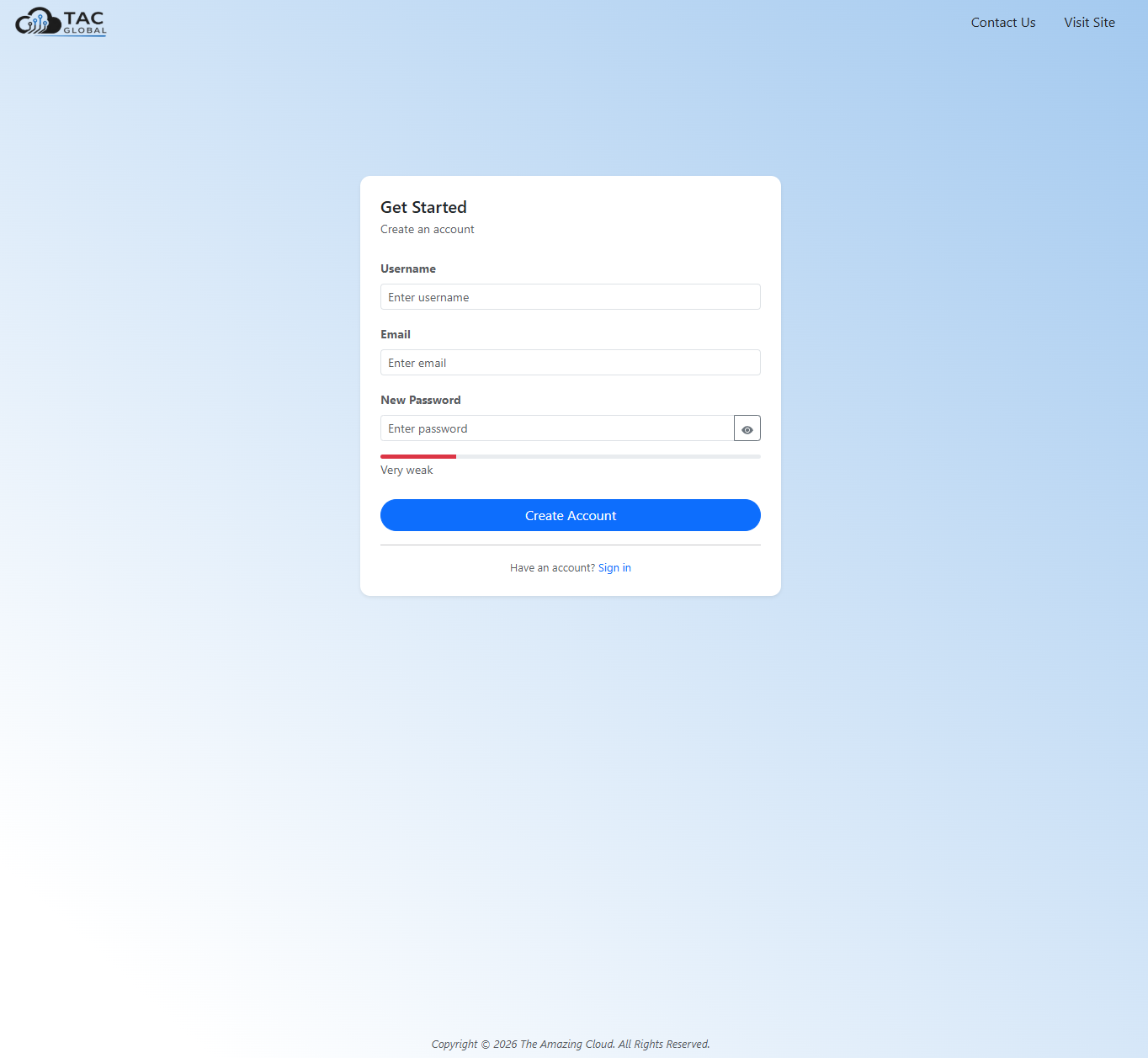
To access your PBS server, please make an account through the TAC dashboard here
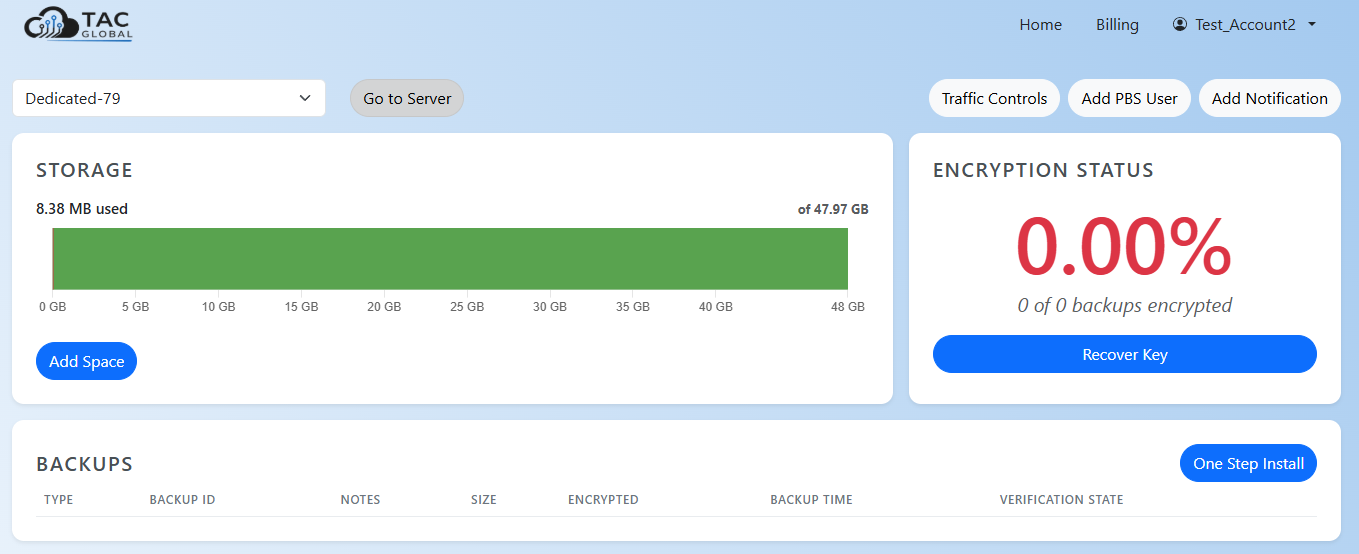
Once logged in, you can access your server through the home dashboard
Connect Proxmox Virtual Environment to Proxmox Backup Service
Before you start
- Onboarding email with your PBS server address, datastore name and credentials
- Admin access to your Proxmox VE web interface
- (Optional) Installer link received on order confirmation page
Steps
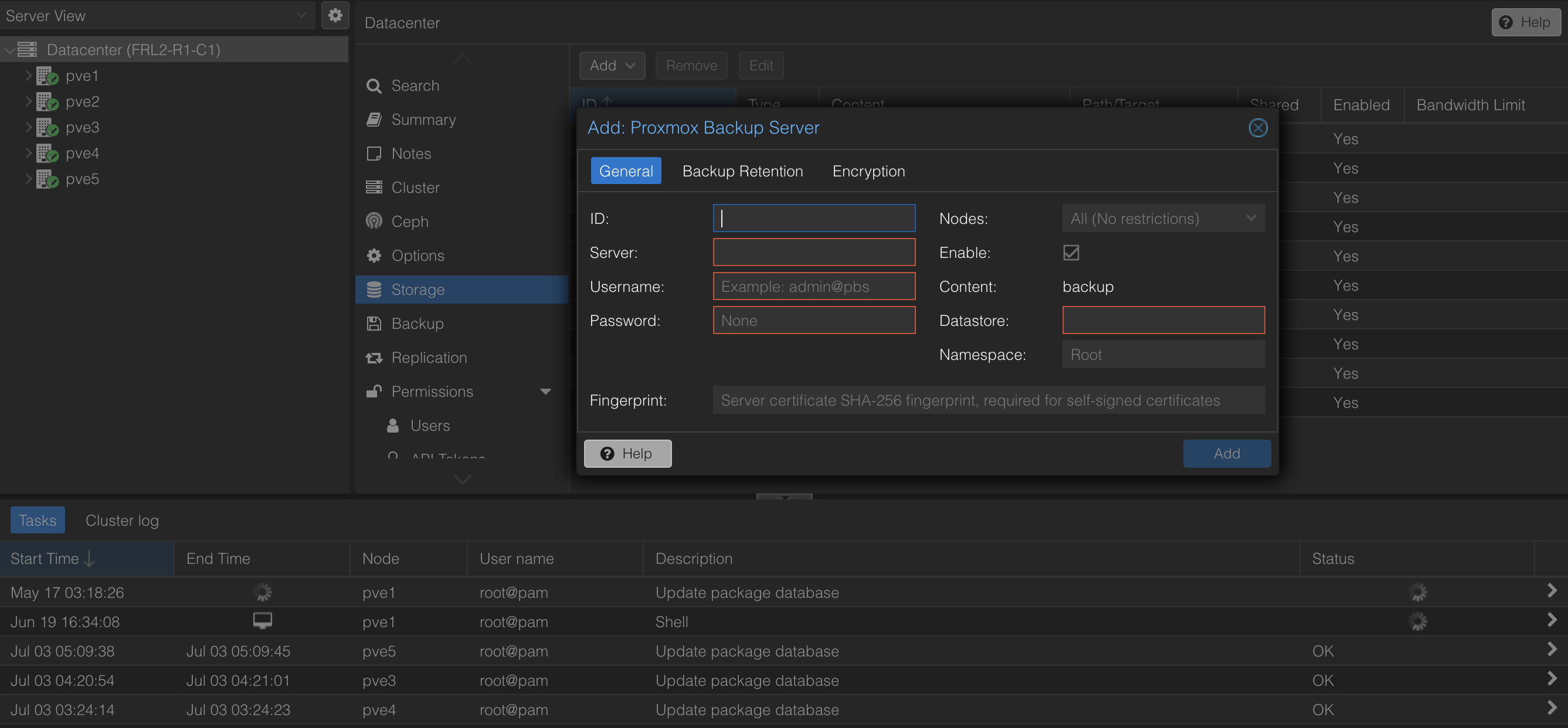
In Proxmox VE, go to Datacenter > Storage > Add > Proxmox Backup Server
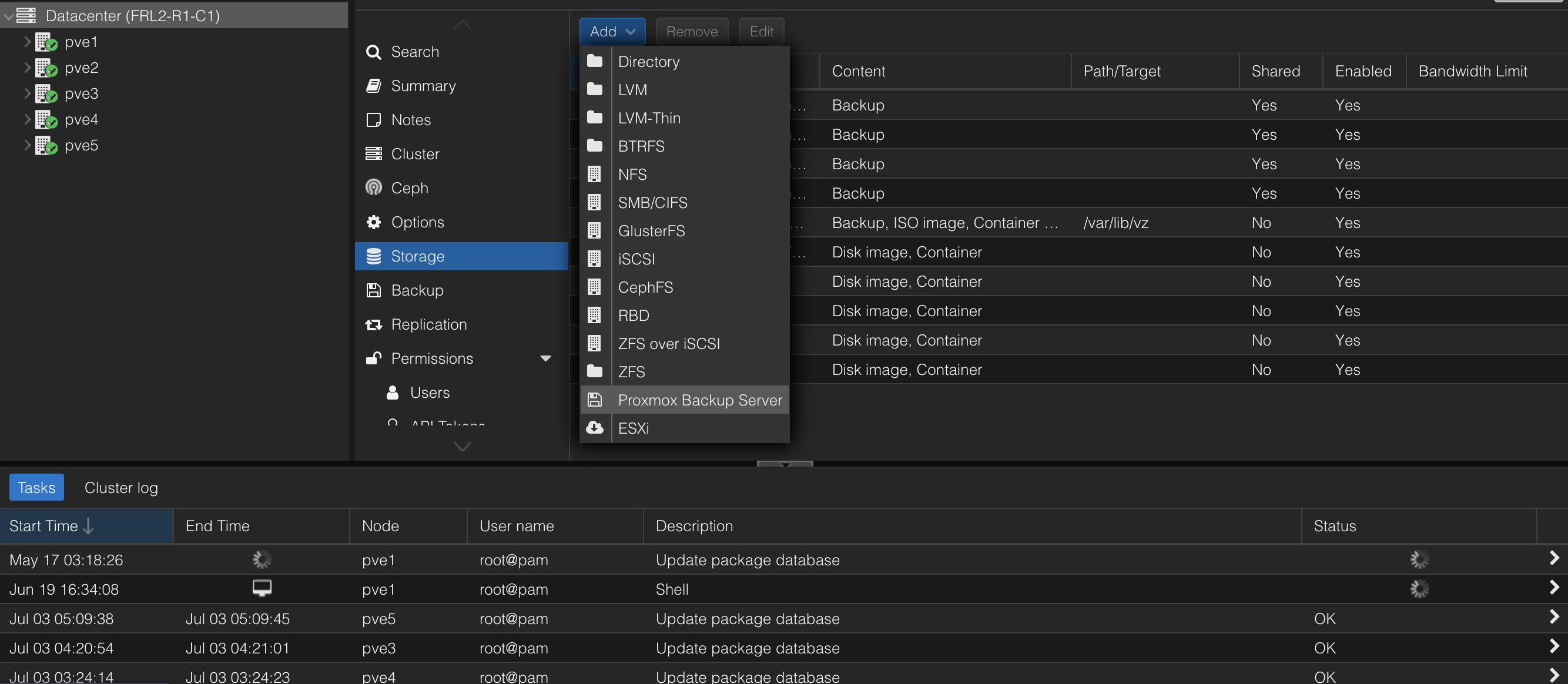
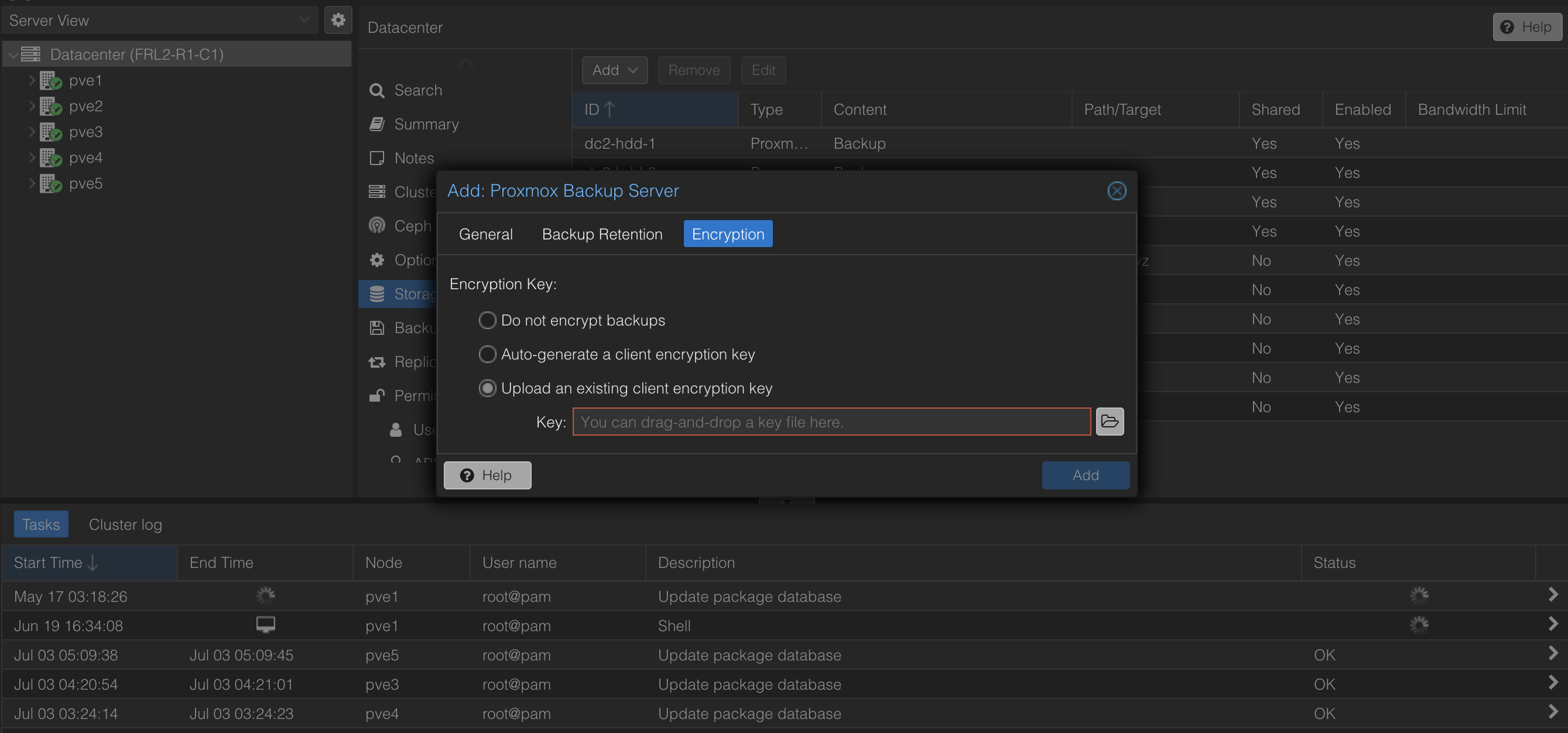
Enter the PBS address, username, password, fingerprint and encryption key from your onboarding email. If you are on the shared plan your datastore is the same as your username. For the dedicated plan, the datastore is zpool1.
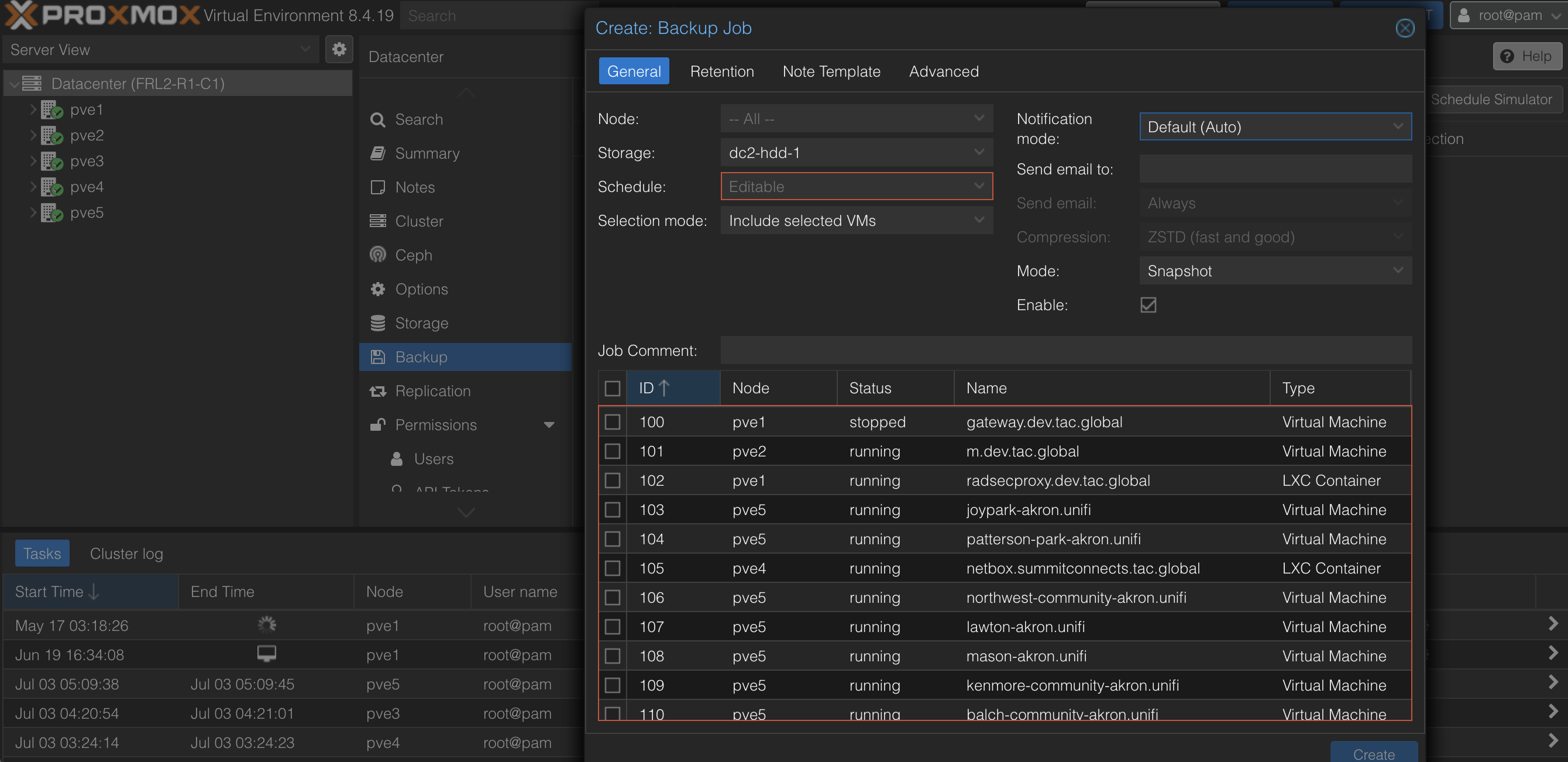
Once connected, you can create a backup job under Datacenter > Backup > Add. You can choose which VMs/containers to backup and the schedule. If you'd like to receive notifications, enter your email to get notified for job fails/successes.
To retain backups, go to the Retention section and you can set what number of backups are most recently kept and which are let go after a week up to a year.
Install Proxmox Backup Client (Debian-Based Linux Users)
Before You Start
- Root access on the Linux server
- Onboarding email with PBS hostname, username, password, fingerprint and encryption key.
Steps
To configure the repository, you will need to setup the Proxmox release key first. On your server, get the key from the following site below and replace the [debian version] with your server version (bookworm, bullseye):
https://enterprise.proxmox.com/debian/proxmox-release-[debian version].gpgMove the key into /usr/share/keyrings/
In /etc/apt/sources.list.d/ create a file named proxmox.sources to add the repository.
   Types: deb
   URIs: http://download.proxmox.com/debian/pbs
   Suites: [debian version]
   Components: pbs-no-subscription
   Signed-By: /usr/share/keyrings/proxmox-release-[debian version].gpg
Install the client
apt update
apt-get install proxmox-backup-client
Once the install is completed, run the command proxmox-backup-client and you should see the user manual printed.